
DANA just cut its QRIS fees again. If your store still can’t take DANA payments, you’re leaving sales at checkout. Registering as a DANA merchant takes one app, a handful of documents, and about an afternoon — here’s the exact process, plus the real fee numbers for 2026.
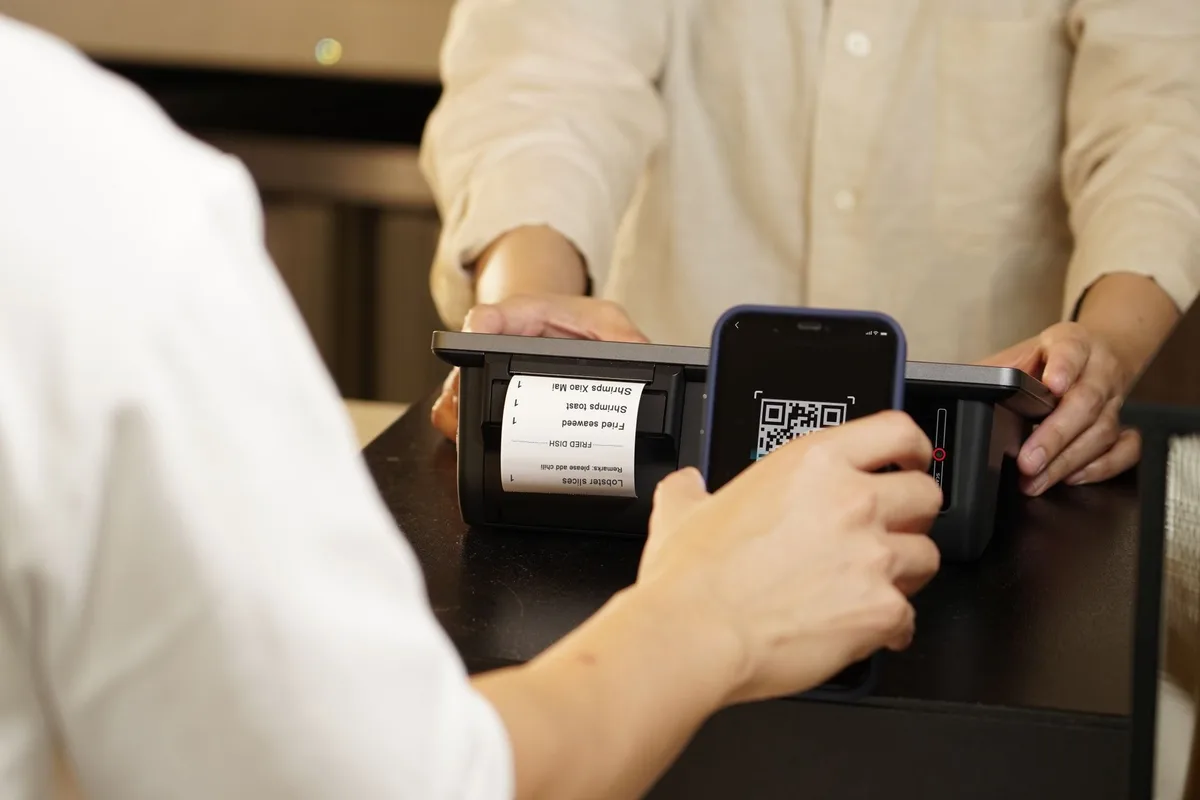
What Do You Need Before You Register as a DANA Merchant?
To register as a DANA merchant you need: a smartphone with the current DANA app, a valid KTP matching the business owner’s name, basic business details (name, category, operating address), a bank account or DANA balance to receive settled funds, and clear photos of your storefront or products for verification.
Have these ready before you start — incomplete documents are the most common reason applications stall.
- DANA app, updated to the latest version — the merchant registration flow lives inside the consumer app under the Bisnis (Business) menu
- Valid KTP — must match the name on the DANA account being upgraded to a business profile
- Business details — business/store name, business category, operating hours, and address
- Settlement destination — a linked bank account or your DANA balance, where QRIS proceeds land
- Storefront or product photos — DANA’s verification step asks for images of your shop or product listings
- A registered business entity (optional, gateway path only) — only needed if you’re skipping direct DANA registration and integrating through a payment gateway instead, covered further down

How Do You Register as a DANA Merchant, Step by Step?
This is the direct path through the DANA app — the fastest way to start accepting DANA at a physical counter, over WhatsApp, or through social commerce. Per DANA’s merchant registration steps:
- Download or update the DANA app. Registration only works on the current version.
- Register or log in to your personal DANA account. You need an active, verified DANA account before you can upgrade to a business profile.
- Open the “Saya” (Me) menu and select Bisnis. This starts the DANA Bisnis registration flow.
- Fill in your business profile. Business name, category, operating address, and a short description.
- Upload your ID and business documents. Your KTP, plus photos of your storefront or products for verification.
- Submit your QRIS application. DANA reviews the submission before activating your merchant QR code.
- Wait for verification. You’ll get an in-app notification once your QRIS is approved and active.
- Activate QRIS and run a test transaction. Display or print your QR code, then run a small test payment from another e-wallet or mobile banking app that supports QRIS to confirm funds land correctly before going live.

How Much Does DANA Merchant Cost in 2026?
DANA does not charge a signup fee for merchant registration. The cost is the QRIS MDR (Merchant Discount Rate) set by Bank Indonesia — and it just got cheaper. Effective October 1, 2026, Bank Indonesia expanded its 0% MDR policy to every merchant category for transactions up to Rp 100,000, on top of the existing 0% rate for micro merchants up to Rp 500,000.
Here’s the rate table, per Bank Indonesia’s official August 2026 policy announcement:
| Merchant Category | Transaction ≤ Rp 100,000 | Transaction Rp 100,001–500,000 | Transaction > Rp 500,000 |
|---|---|---|---|
| Micro (UMI) | 0% | 0% | 0.3% |
| Small / Medium / Large | 0% (new, from Oct 1, 2026) | 0.7% | 0.7% |
Before October 1, 2026, small, medium, and large merchants paid 0.7% on every QRIS transaction regardless of size. The expanded policy removes that fee entirely on transactions under Rp 100,000 for all merchant categories — a direct cut for any store selling lower-ticket items through QRIS.
One rule applies to every category: you can’t pass the MDR to your customer. Bank Indonesia requires merchants to absorb it; a surcharge at checkout is a reportable violation.
Should You Use DANA Bisnis or a Payment Gateway for Your Online Store?
Direct DANA registration gets you a scannable QR code — ideal for a physical counter, WhatsApp orders, or a social-commerce storefront where the buyer scans to pay. It does not give your Shopify, WooCommerce, or custom-built online store a “Pay with DANA” button at checkout.
For that, you integrate DANA through a licensed payment gateway that lists it as a supported e-wallet method. Both Midtrans and Xendit offer this. As one reference point, Midtrans’s published pricing lists DANA at a flat 1.5% per transaction (excluding VAT), separate from the QRIS MDR structure above — because it’s routed as a direct e-wallet charge through the gateway’s API, not a scanned QRIS code.

| Path | Best For | How It Works | Fee Basis |
|---|---|---|---|
| Direct DANA Bisnis (QRIS) | Physical counters, WhatsApp/social selling, informal storefronts | Customer scans your QR code in the DANA app | Bank Indonesia MDR (0%–0.7%, by category and amount) |
| Payment gateway (Midtrans, Xendit) | Shopify, WooCommerce, custom-built checkout | DANA appears as a payment option in your gateway’s checkout flow, charged via API | Gateway’s published e-wallet rate (e.g., 1.5% at Midtrans) |
If you’re only selling through chat or social channels, direct DANA registration is faster and has no integration work. If you run an actual online-store checkout and want DANA alongside cards, bank transfer, and other e-wallets in one flow, go through a gateway — see the linked guides above for the full setup steps.
Frequently Asked Questions
Is it free to register as a DANA merchant?
Yes. DANA does not charge a signup or registration fee to become a DANA merchant or activate QRIS, per DANA’s official merchant onboarding guide. The cost you pay is the per-transaction MDR set by Bank Indonesia, not a fee for the registration itself.
How long does DANA merchant verification take?
DANA does not publish a fixed turnaround time. Per DANA’s own merchant registration guide, the application moves to review once your business profile and documents are submitted, and DANA notifies you in-app when QRIS is active. Most sellers should expect the review to take a few business days; incomplete or blurry documents are the most common cause of delay.
Can I accept DANA payments directly on my Shopify or WooCommerce store?
Not directly. DANA Bisnis and QRIS are built for scan-to-pay at a point of sale, storefront, or chat checkout — not for a hosted online-store cart. To let customers select DANA at checkout on a Shopify, WooCommerce, or custom store, you integrate through a licensed payment gateway such as Midtrans or Xendit, which both list DANA as a supported e-wallet method.
What is the DANA QRIS MDR fee in 2026?
Under Bank Indonesia’s MDR QRIS policy, transactions up to Rp 500,000 by micro (UMI) merchants stay at 0%. Effective October 1, 2026, Bank Indonesia expanded the 0% rate to all merchant categories for transactions up to Rp 100,000, per Bank Indonesia’s official August 2026 announcement. Above those thresholds, the standard rate applies: 0.3% for micro merchants and 0.7% for small, medium, and large merchants.
Do I need an NPWP (tax ID) to register as a DANA merchant?
DANA’s published merchant registration steps ask for a valid KTP, business name, category, and address — an NPWP is not listed as a required document for basic DANA Bisnis / QRIS registration. Larger merchants integrating through a payment gateway for a formal ecommerce checkout should expect the gateway to request business legal documents, which may include an NPWP depending on business type.